Digital Menu for Restaurants: What to Include and How to Choose
By Dishly · · 7 min read
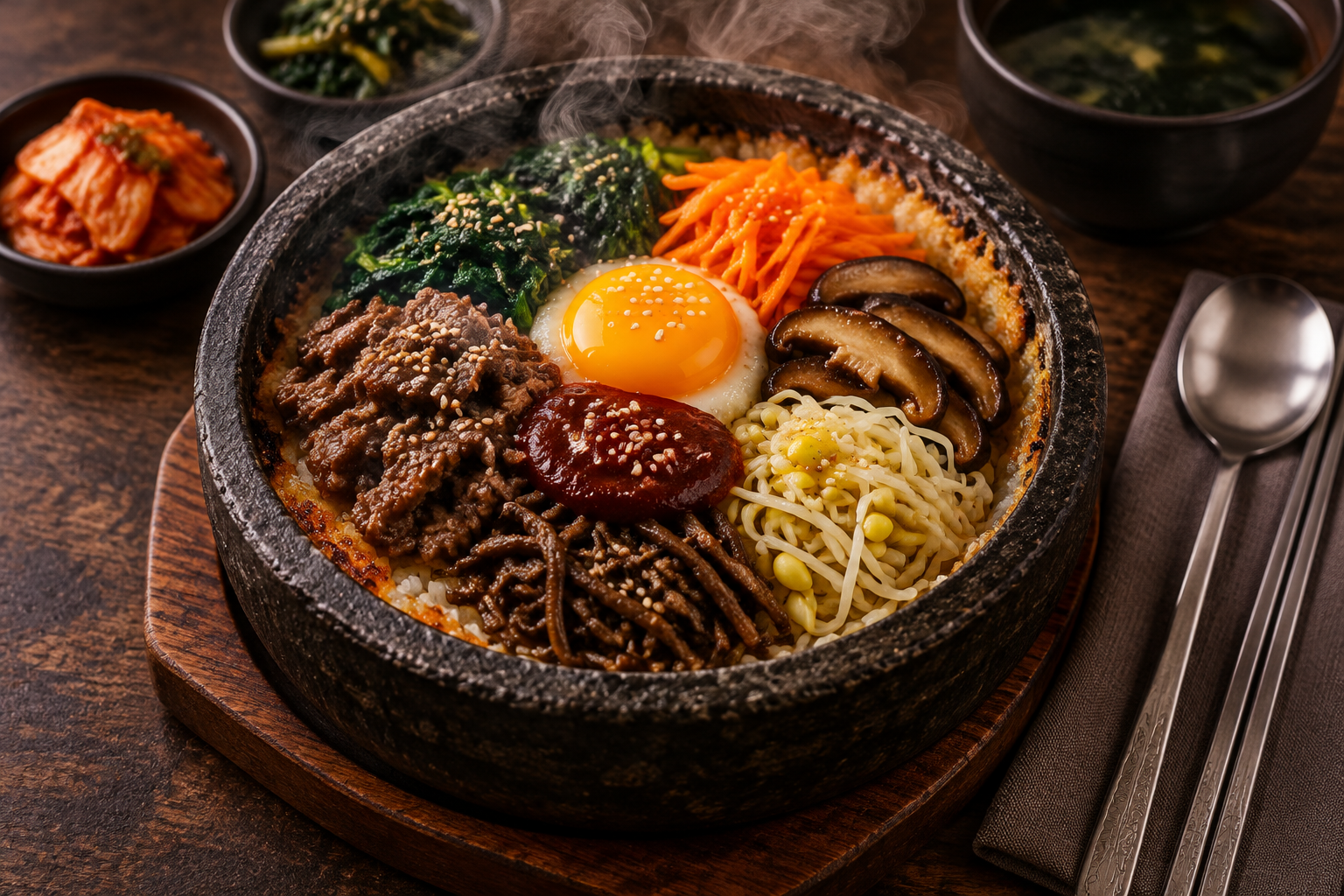
A digital menu is any menu guests read on a screen: a QR menu page, the menu on your website, your Google Business Profile or a delivery app listing. The goal is the same everywhere — help a hungry person decide quickly and feel confident ordering.
Types of digital menus
Most independent restaurants use a mix of these:
- A QR code menu page for dine-in guests
- A menu page on your own website
- Menu items and photos on Google
- Listings on delivery apps
What every digital menu should include
Whichever format you use, cover the basics:
- Accurate, current prices
- Short descriptions that mention key ingredients and allergens
- Photos for your most popular dishes
- Logical sections in the order people eat
- Hours, address and a way to contact you
Keep it consistent everywhere
Guests often see your food on Google or Instagram before they visit. If the photos and prices match across every place, your restaurant feels reliable. Mismatched or outdated menus are one of the quickest ways to lose trust.
Common mistakes to avoid
Watch out for menus that are hard to use on a phone:
- Uploading a scanned PDF instead of a real page
- Dark, blurry or uneven photos
- Forgetting to remove dishes you no longer serve
- Long paragraphs nobody will read at the table
How to choose the right setup
Start with what your guests actually use. If most people dine in, a fast QR menu page matters most. If most orders come through delivery apps, focus on strong photos there first. The best setup is the one you can keep up to date without hassle.
Let Dishly set it up for you
Dishly creates menu-ready dish photos and a live mobile menu page you can link from your QR code, website and social profiles. Browse the Portfolio to see the style, or request a free sample on WhatsApp.