QR Code Menu: A Practical Guide for Independent Restaurants
By Dishly · · 6 min read
A QR code menu lets guests scan a code on the table, window or receipt and open your menu on their own phone. Done well, it is quicker to update than print and gives every dish room to look its best. Done badly, it is a blurry PDF nobody wants to pinch and zoom.
What is a QR code menu?
It is a printed QR code that links to a web page holding your menu. The code itself never changes, so you can edit prices, sold-out items or seasonal specials on the page without reprinting anything.
PDF menu vs. a real menu page
Many restaurants link the code to a scanned PDF. On a phone that means tiny text, slow loading and constant zooming. A proper mobile menu page is built for a narrow screen: clear sections, readable prices and photos that load quickly.
What guests look for after they scan
Keep the first screen simple and useful:
- Menu sections they can jump between (starters, mains, drinks, desserts)
- Clear prices next to every item
- A photo for your best sellers so guests know what they're ordering
- Your hours, address and a tap-to-call button
- Fast loading on mobile data
Where to place your QR code
Put it where people are already waiting or deciding: table tents, the front window, the counter, takeout bags and receipts. Print it large enough to scan from arm's length and add a short line such as "Scan for our menu".
Why photos matter on a QR menu
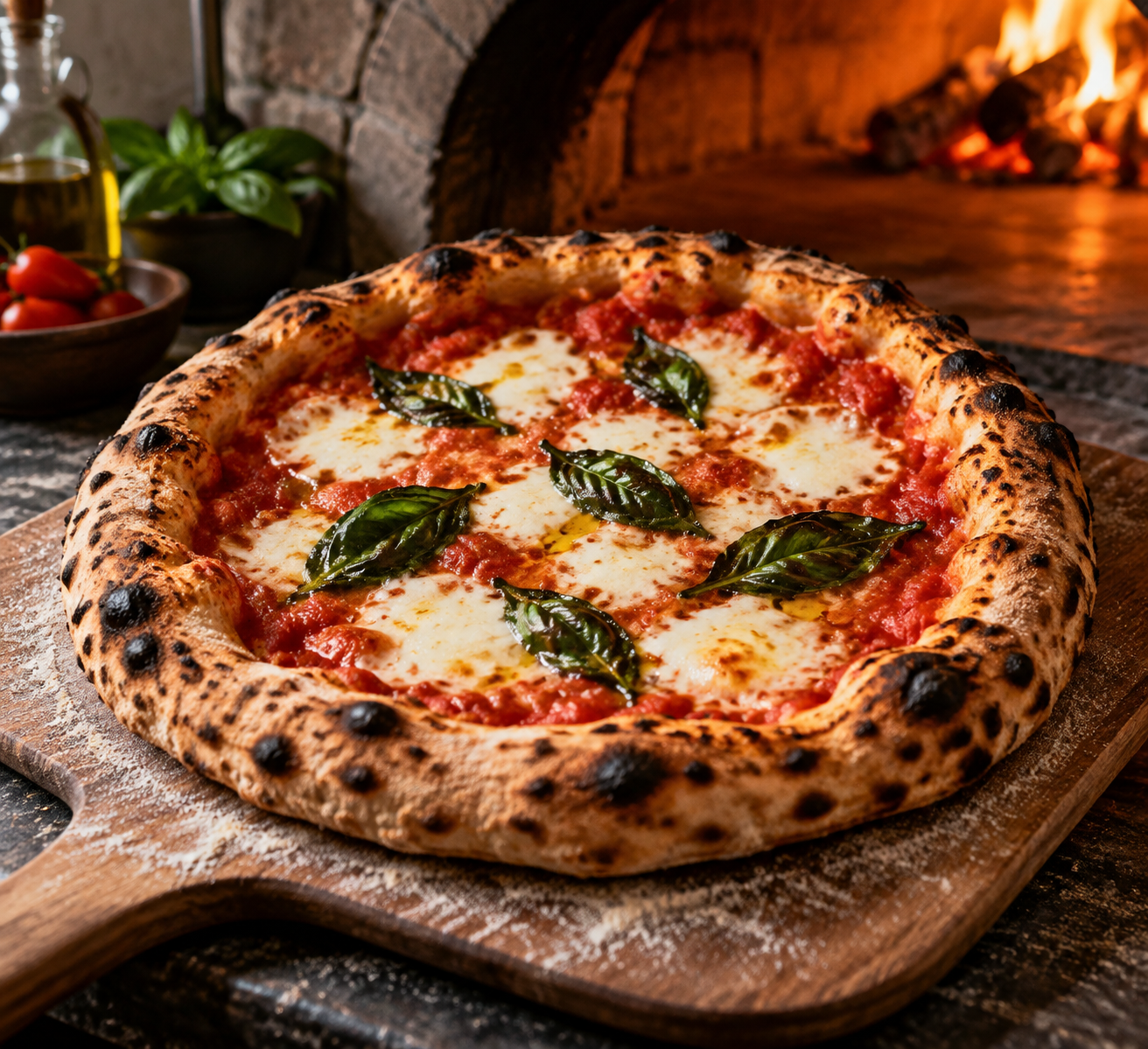
A list of dish names asks guests to imagine the food. A consistent set of photos shows them. Matching light, angle and crop across your menu also makes a small restaurant look organised and trustworthy.
How Dishly can help
Dishly builds a mobile QR menu page with your refreshed dish photos, organised sections, prices, hours and Call / Map buttons. See our packages on the home page, or send us a phone photo of one dish on WhatsApp for a free sample first.