Food Photography for Restaurants: Better Menu Photos Without a Photoshoot
By Dishly · · 6 min read
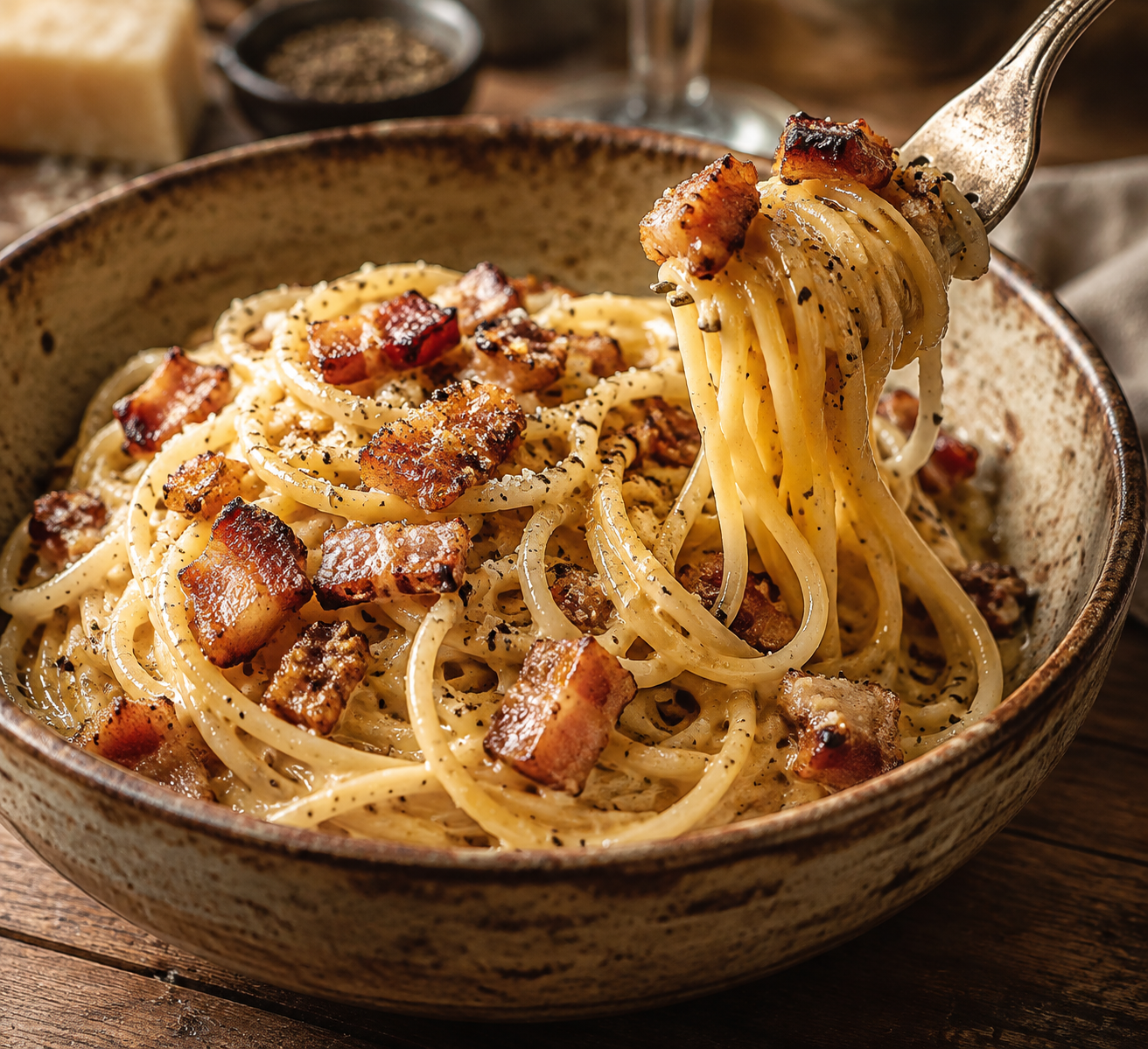
Great menu photos help guests choose and make your restaurant look worth the trip. You don't always need a full photoshoot to get there — a good phone photo and the right editing can go a long way.
Why menu photos matter
People eat with their eyes first. On delivery apps, Google and Instagram, your photo is often the first thing a new guest sees. Clear, appetizing images help them understand the dish and feel confident ordering it.
Tips for taking better photos in your kitchen
A few habits make a big difference:
- Shoot near a window in soft daylight; turn off overhead lights
- Wipe the plate rim and remove clutter from the background
- Shoot from above for flat dishes like pizza and bowls, from the side for burgers and layered desserts
- Photograph food right after plating, while it still looks fresh
- Hold the phone steady and tap the screen to focus on the food
Make your whole menu look consistent
Use the same background, angle and lighting across dishes. A consistent set looks professional even when each photo is simple, and it makes your menu easier to scan.
Photoshoot or AI-enhanced photos?
A traditional photoshoot can produce beautiful results but needs scheduling, styling and a kitchen ready for the camera. AI-enhanced menu photos start from a photo you already have and improve light, colour and framing, so you can refresh your menu quickly. Either way, the photo should still show the real dish you serve.
Where to use your new photos
Once you have them, use them everywhere: your QR menu, website, Google Business Profile, delivery apps, Instagram and printed menus.
Try Dishly for free
Send a phone photo of one dish on WhatsApp and Dishly will send back an improved sample. Browse the Portfolio to see dishes from 11 cuisines.